Count the places your family's week lives right now. The school's emails. A letter at the bottom of the book bag. The class WhatsApp. The swimming club's website. A calendar on your phone, another on your partner's, and the bits that only exist in your head.
Most apps that promise to help pick one of those and do it well. One reads school emails. Another is a shared calendar you type into. Another logs reading, another tracks sleep, another keeps the photos and milestones. Each is useful. Together they're five more things to check, and the job of joining them up still falls to you.
What a family organiser should really do
Here is the list we started from when we built Okeya: the jobs that make up a family's week, what each one usually takes, and where it lives in Okeya.
| What your family needs | Usually means | In Okeya |
|---|---|---|
| School emails turned into dates | An email-reading app | Okeya Inbox: each child has their own address to forward to |
| Paper letters and photos | Typing them in by hand | Scan: take a photo, Okeya finds the dates, kit and payments |
| WhatsApp messages and texts | Copying them out | Paste a message, or share it straight into Okeya |
| “Swimming’s cancelled today” | Finding and changing the entry yourself | Say it or paste it: Okeya offers the change |
| One calendar for both parents | A shared calendar app | Up to four guardians, plus a private link for Grandma |
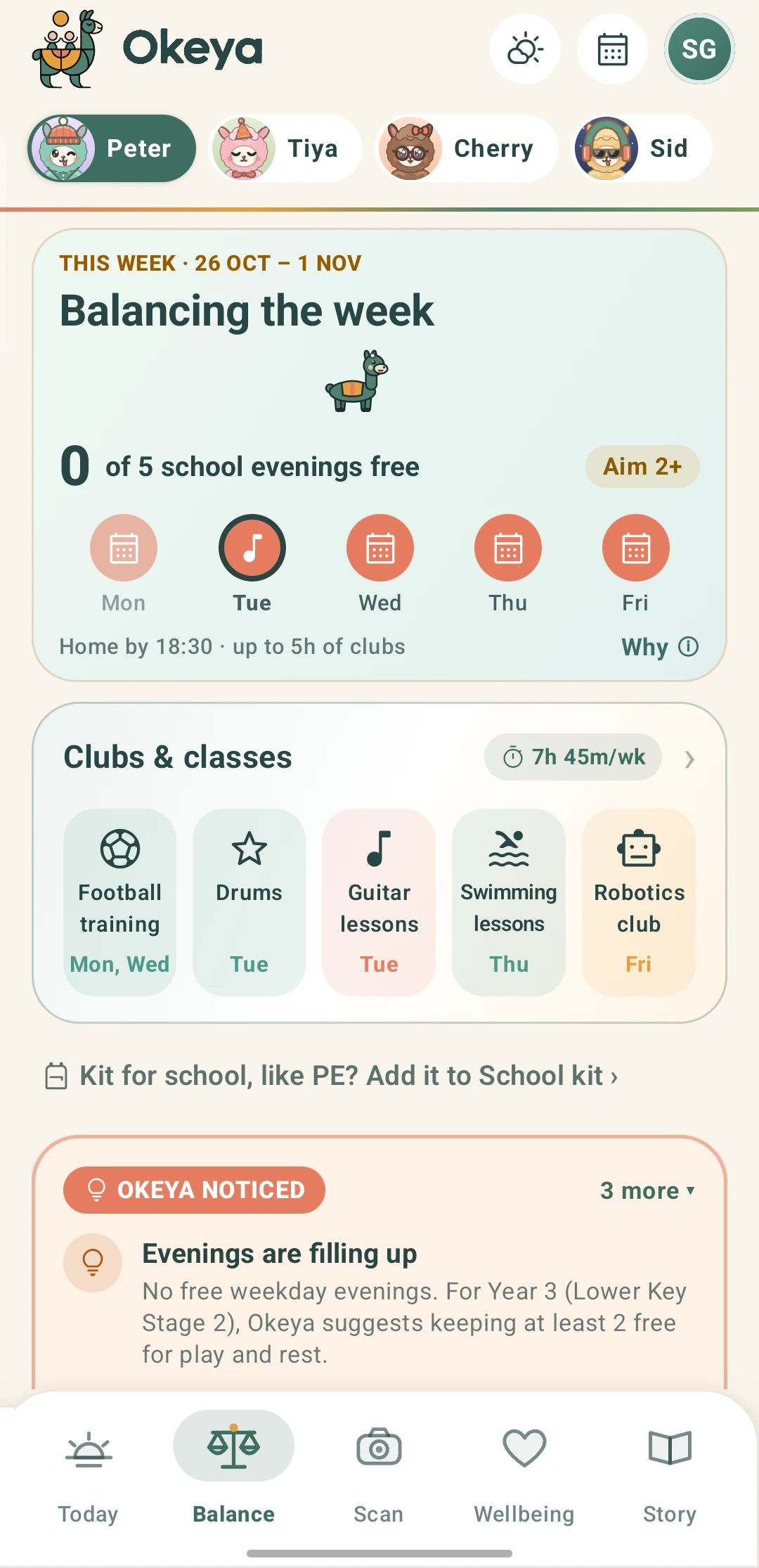
| Clubs that pause in the holidays | Deleting and re-adding them | Clubs follow your school’s term dates |
| Kit, forms and payments | A to-do list app | To do for today, and a Deadlines page for what’s coming |
| Who’s doing pick-up | Another message thread | A name on the day, on everyone’s phone |
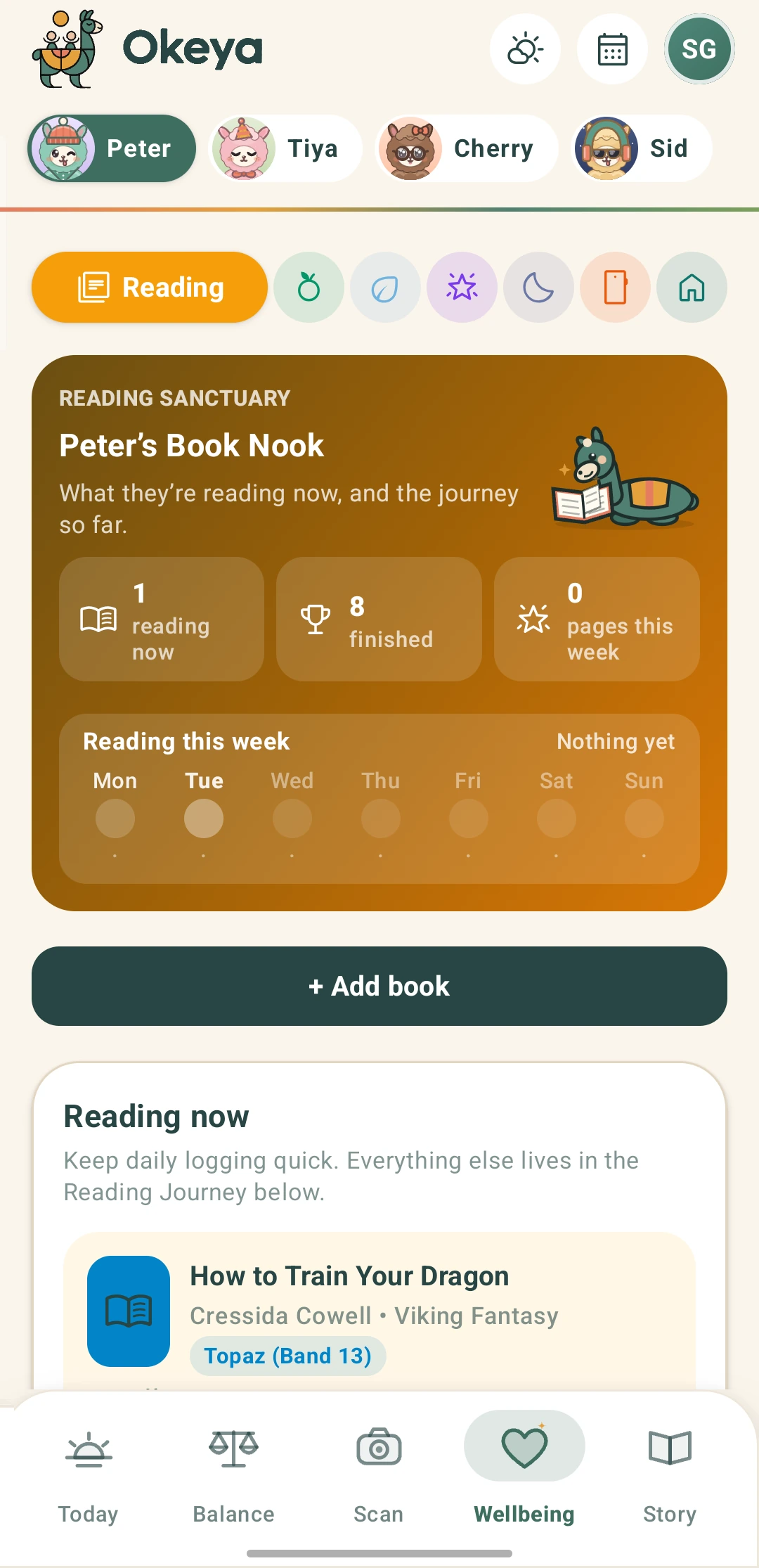
| Reading at home | A paper reading diary or reading app | Books, pages and favourite quotes for each child |
| Sleep, meals and time outside | Separate tracker apps | Wellbeing, if you want it: no scores or streaks |
| Milestones to keep | A memory book or photo app | The Okeya Passport: their story, school year by school year |
| Growing up and secondary school | Working it out as you go | Independence ideas, the move to Year 7 and exam season |
Getting things in shouldn't be a chore
School information arrives in every shape, so Okeya takes every shape:
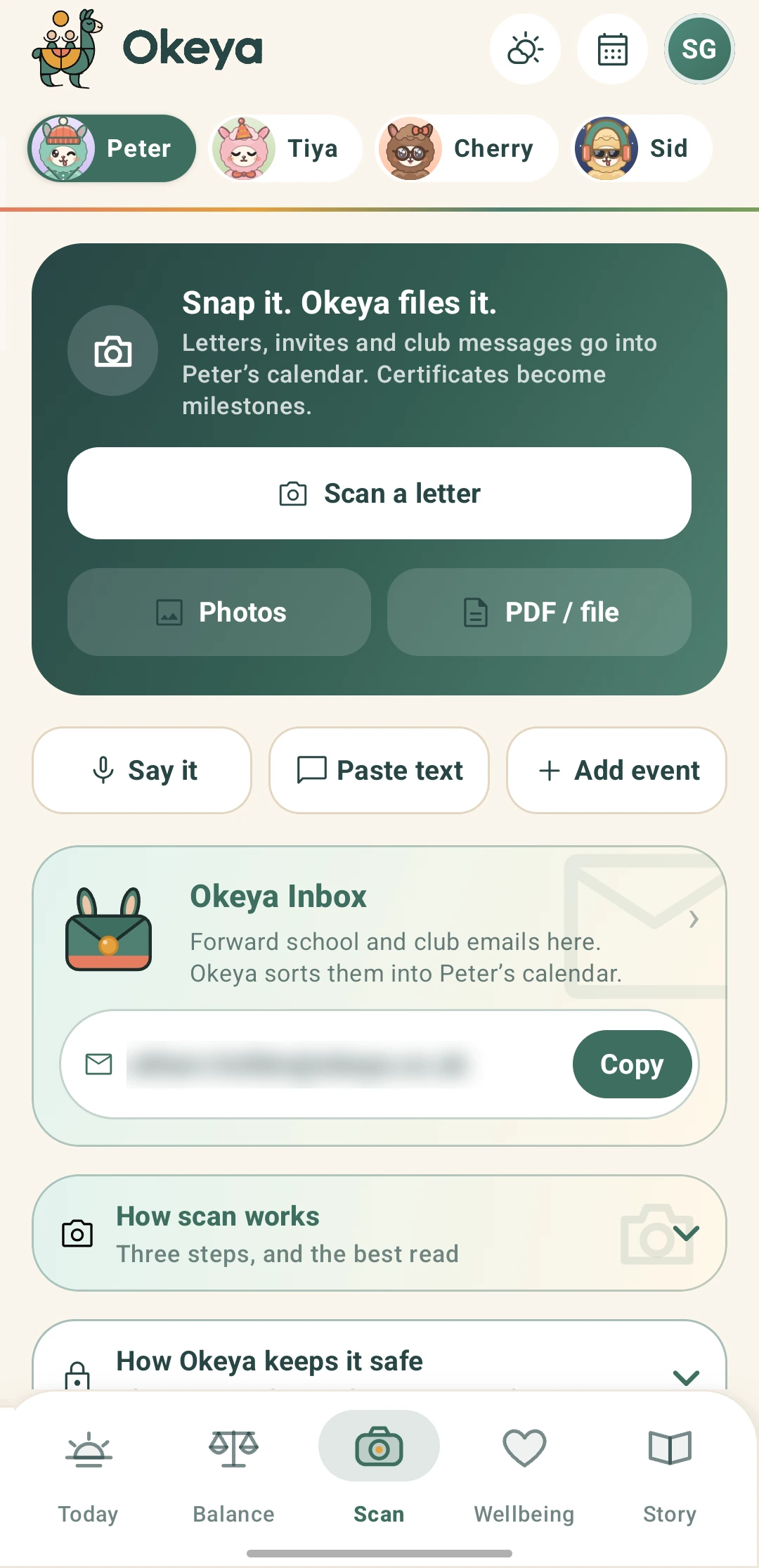
- Paper letters and photos. Open Scan and take a photo. Okeya finds the dates, times, kit, costs and deadlines, and shows you what it found before anything is added.
- School and club emails. Each child has their own Okeya Inbox address. Forward emails to it, or set up your email to do it for you (see how to send school emails to Okeya automatically).
- Messages. Paste a WhatsApp message or a text, or share it straight into Okeya.
- Your voice. Tap Say it and talk: "Swimming every Wednesday at half four at the leisure centre, bring goggles."
Nothing is added until you've checked it and tapped Add. You stay in charge.
Changes, not just new things
A lot of family admin is changes: a club cancelled, a match moved, "no swimming this week". Most calendars make you find the old entry and edit it yourself. In Okeya you can paste or say the change, and Okeya offers it as a change to what's already there, for one session or every week. You can undo any change.
One plan for everyone who helps
Up to four guardians can share one family, so both parents (and a step-parent or grandparent) see the same plan on their own phones. For anyone else, such as a childminder or Grandma, you can send a private calendar link or share the day as a plain message. Who's taking and who's collecting sits on the event itself, so the morning question "Is it you or me today?" already has an answer.
Beyond the calendar
Family life isn't only appointments. If you want it, Okeya also keeps:
- Reading: books, pages read and favourite quotes, for each child.
- Wellbeing: sleep, meals, time outside and screen time, with no scores, streaks or points.
- The Okeya Passport: milestones and little wins, kept school year by school year, ready to look back on.
- Growing up: ideas for independence steps, help with the move to secondary school, and exam season for older children.
You can switch off any of it. The calendar works on its own.
One plan, the whole family
After a free month, one family plan covers every child and every guardian in the family. You don't pay per child or per parent.
If your week currently lives in five places, try putting it in one.