In a lot of families, one parent is the one who knows. They know it's non-uniform day on Friday, that swimming moved to Thursday this week, that the trip money is due and the reply slip is in the bag. It's rarely a decision anyone made. It's usually because the school emails go to them, the class WhatsApp is on their phone, and so the remembering ends up with them too.
That invisible work has a name: the mental load. It doesn't show up on any rota, and it's tiring.
You’re not alone
Family admin shouldn’t be a second job
Letters in book bags, emails from school, clubs, tutors and the class WhatsApp. They never seem to stop, and they often land with just one parent, so keeping track of it all usually falls to them too.
of schools say parents not reading what they send is their biggest communication problem
Source: Weduc School Communications Report 2026 (545 schools)of UK parents of 5 to 11 year olds often feel mentally overwhelmed by running the household
Source: YouGov for Wecasa, March 2026, as reported by NewsByWireof children’s care time in the UK was given by mothers
Source: Office for National Statistics, time use data for 2015Why it lands on one person
Most school systems ask for one "main contact". The class WhatsApp group adds one parent from each family. Clubs email whoever filled in the form. Each of those choices is small, but together they put all the information in one person's hands, and whoever has the information ends up doing the planning.
So sharing the load starts with sharing the information.
Ways to share it
Add both parents everywhere. Ask the school to add the second parent's email to its contact list. Many schools can, so it's worth asking. Do the same with clubs.
Keep one plan, not two. Two calendars, each half right, is how pick-ups get missed. One shared plan that both of you can see and change means nobody is "the one who knows".
Split by job, not by day. Some families find it easier for one parent to own payments and forms, and the other to own kit and clubs, rather than taking turns.
Agree the week on Sunday. Ten minutes to decide who's taking, who's collecting and who's paying saves a dozen messages later in the week (our Sunday-night routine).
Bring in the helpers. Grandparents, a childminder or a friend who does the Tuesday school run need to know the plan too, without being added to every group.
How Okeya shares the load
- Up to four guardians in one family. Both parents, and a step-parent or grandparent if you like, see the same children, calendar and reminders on their own phones. Anyone can add a letter or an email, and it's there for everyone.
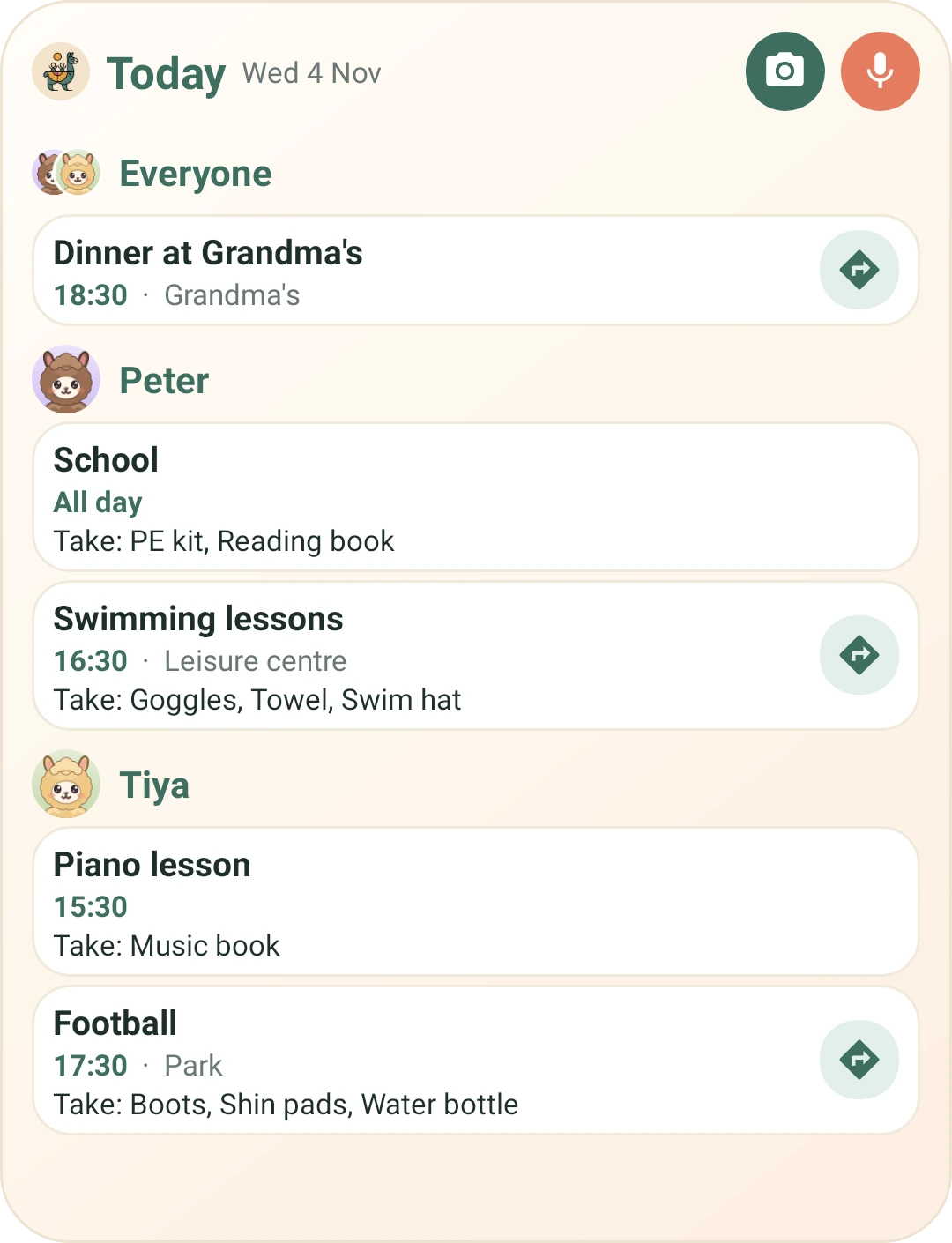
- Who's taking and collecting, set on the event or club and shown on Today, in the family calendar and in everyone's reminders.
- Share the day. A plain message with the day's plan for one child or all of them, ready to send to Grandma or the childminder.
- A private calendar link for anyone who'd rather see the plan in their own calendar app. You can make a new link at any time, which stops the old one straight away.
- One tick for everyone. When a job on To do is ticked on one phone, the reminder stops on the other.
None of this changes who does the work in your family. That's for you to decide together. But when the information isn't stuck in one person's head, it's a lot easier to share.
Contains public sector information licensed under the Open Government Licence v3.0.